I’m giving every step a rating of how easy/user-friendly it is. 10/10 means perfect with no issues, while 1/10 means there’s definitely room for improvement. This is just my personal opinion, but I did spend my own money in this service because I believe in it.
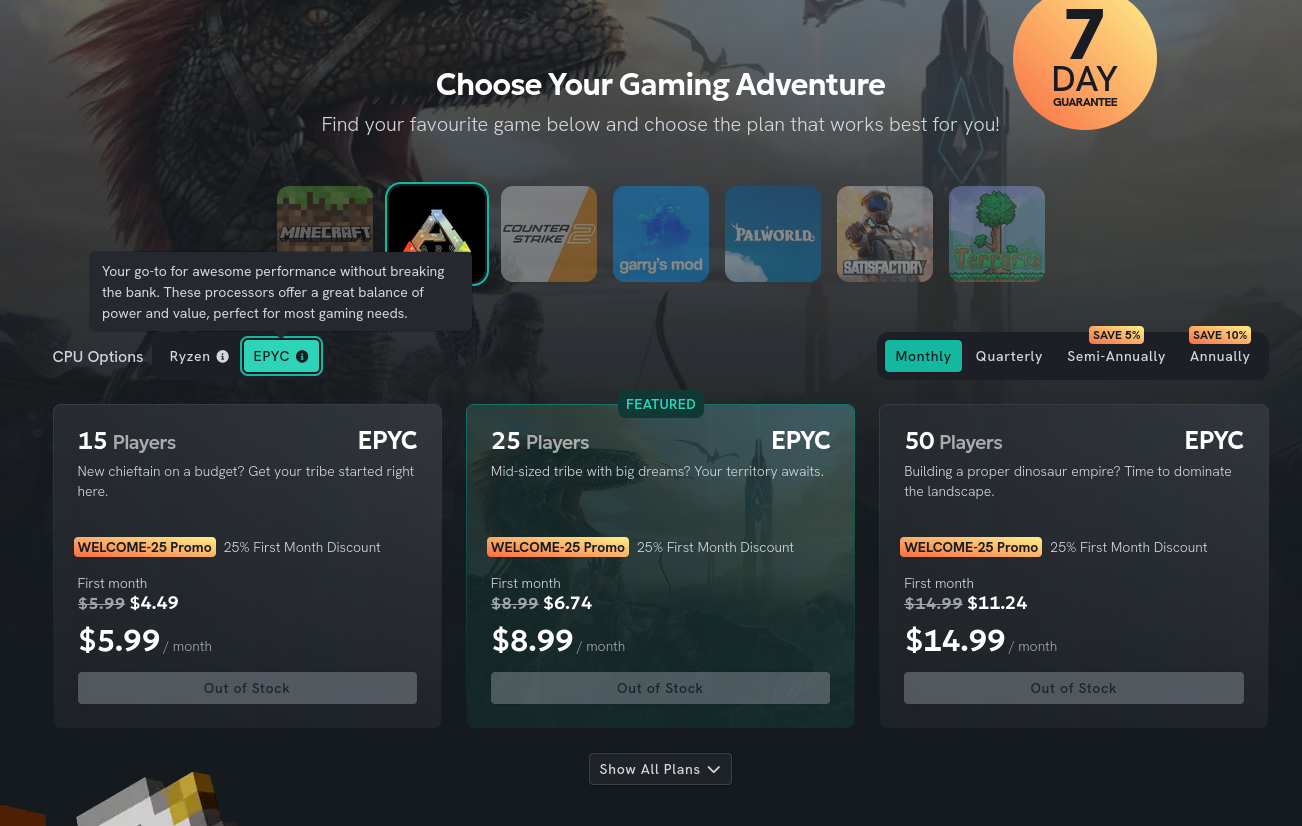
3/10 - Could use improvement
The EPYC option shows as out of stock only after clicking on it. Do you expect customers to wait for it to be restocked? If so, please consider adding an estimated restock date. When someone sees the lower price, they might think they should look elsewhere since it can clearly be cheaper, or they’ll want to wait for it to be restocked but have no way to get notified.
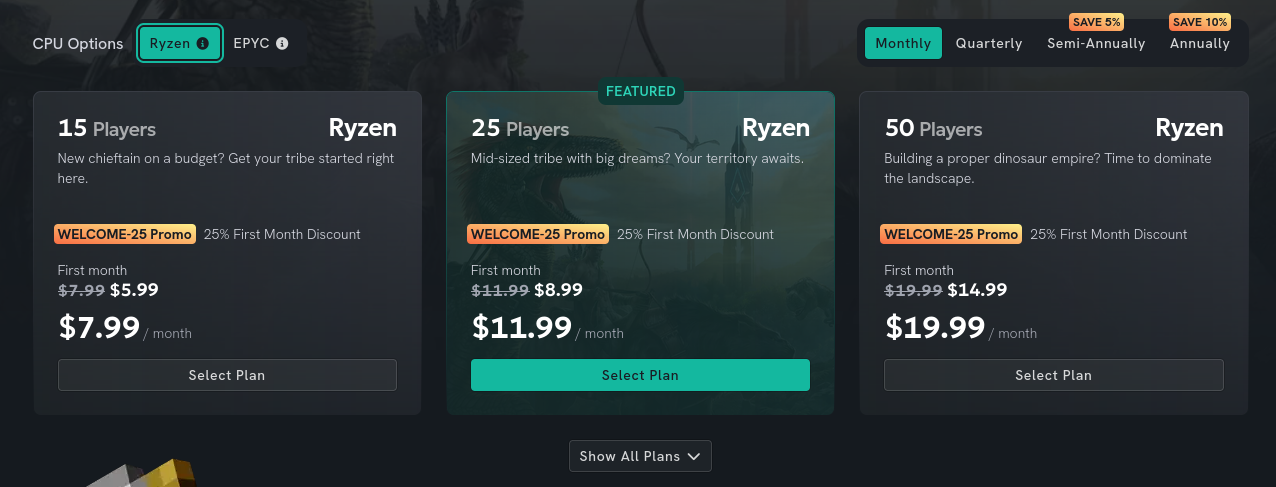
7/10 - Good but missing key
The experience here could be improved. I understand that I’m getting player slots, but I’d love to see storage capacity, RAM, and CPU core information. Please provide at least some information about what I’m purchasing. At this point, I genuinely started looking for other options.
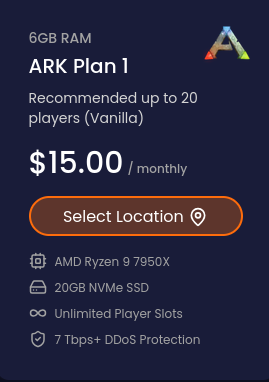
If unlimited disk space is included, add it along with your support. Here’s an example that isn’t perfect, but at least helps people feel like they’re not buying a mystery server.
Minor suggestion
I understand this doesn’t actually mean anything technically, but many normies find IP addresses scary. Maybe consider leaving the IP out of the message entirely?
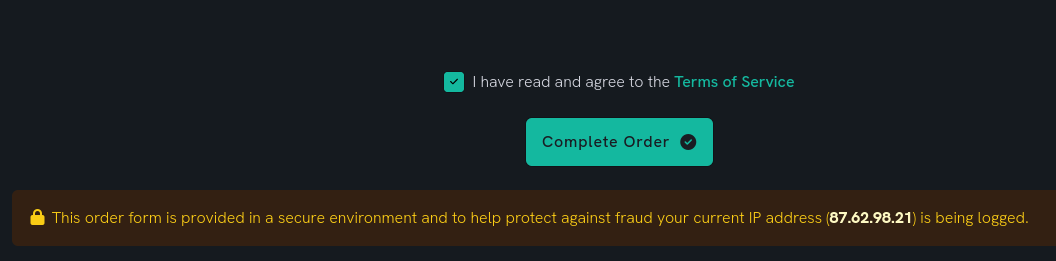
1/10 - SIGNIFICANT ISSUE!
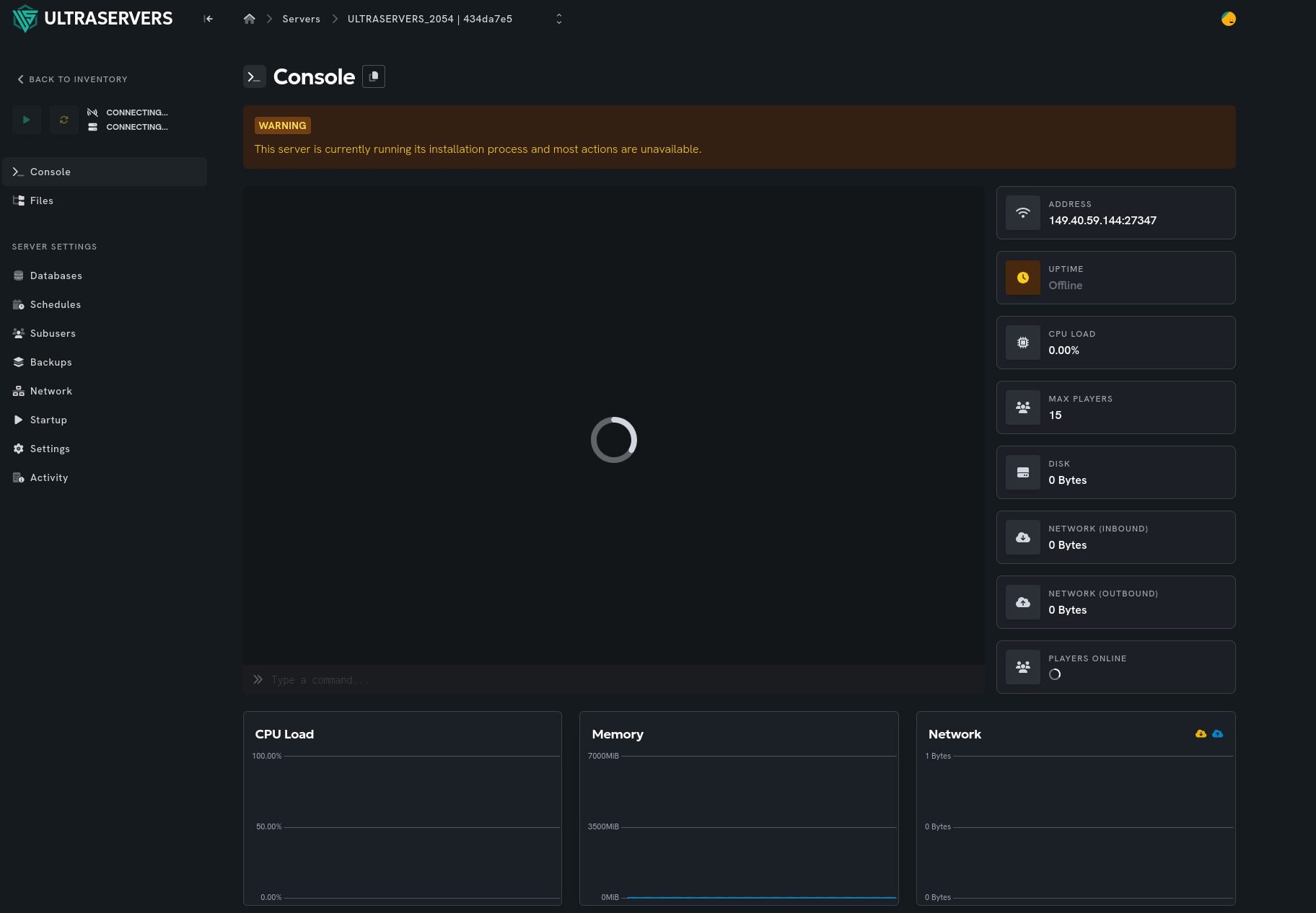
I just completed an order and was stuck on this screen for 12 minutes. It turns out you need to refresh for the loading screen to disappear (fortunately I refreshed often, so my time estimate is at most a minute off). It’s just a loading screen that makes customers think something might be broken. The experience of being directly transitioned to your server is nice, but waiting without knowing what’s happening isn’t great. I understand you might want to hide the installation logs, but there’s an argument to be made that server owners are used to seeing logs. If you really want to hide the full logs, at least provide status updates as steps complete (e.g., “Downloading X%”, and after that’s done, something like “Running initial setup”).
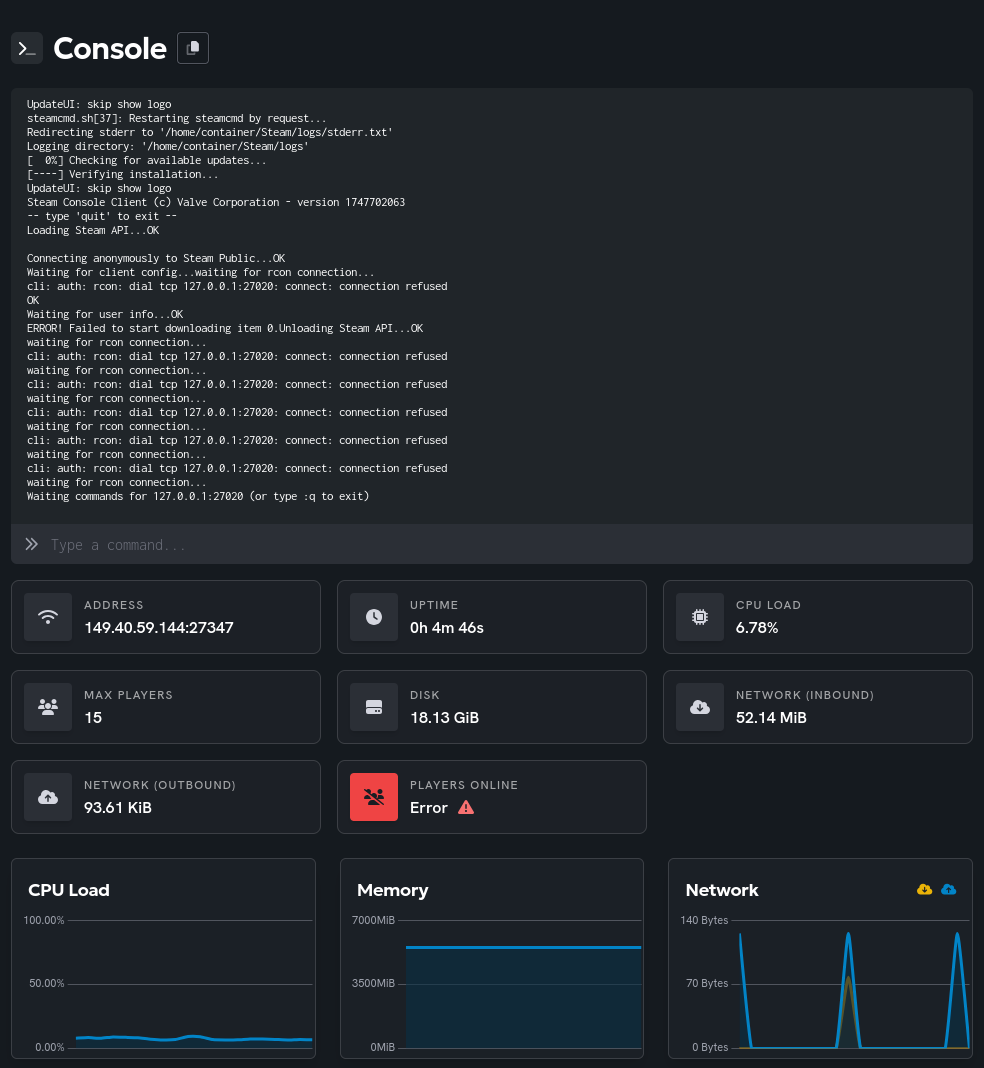
Documentation accessibility issue
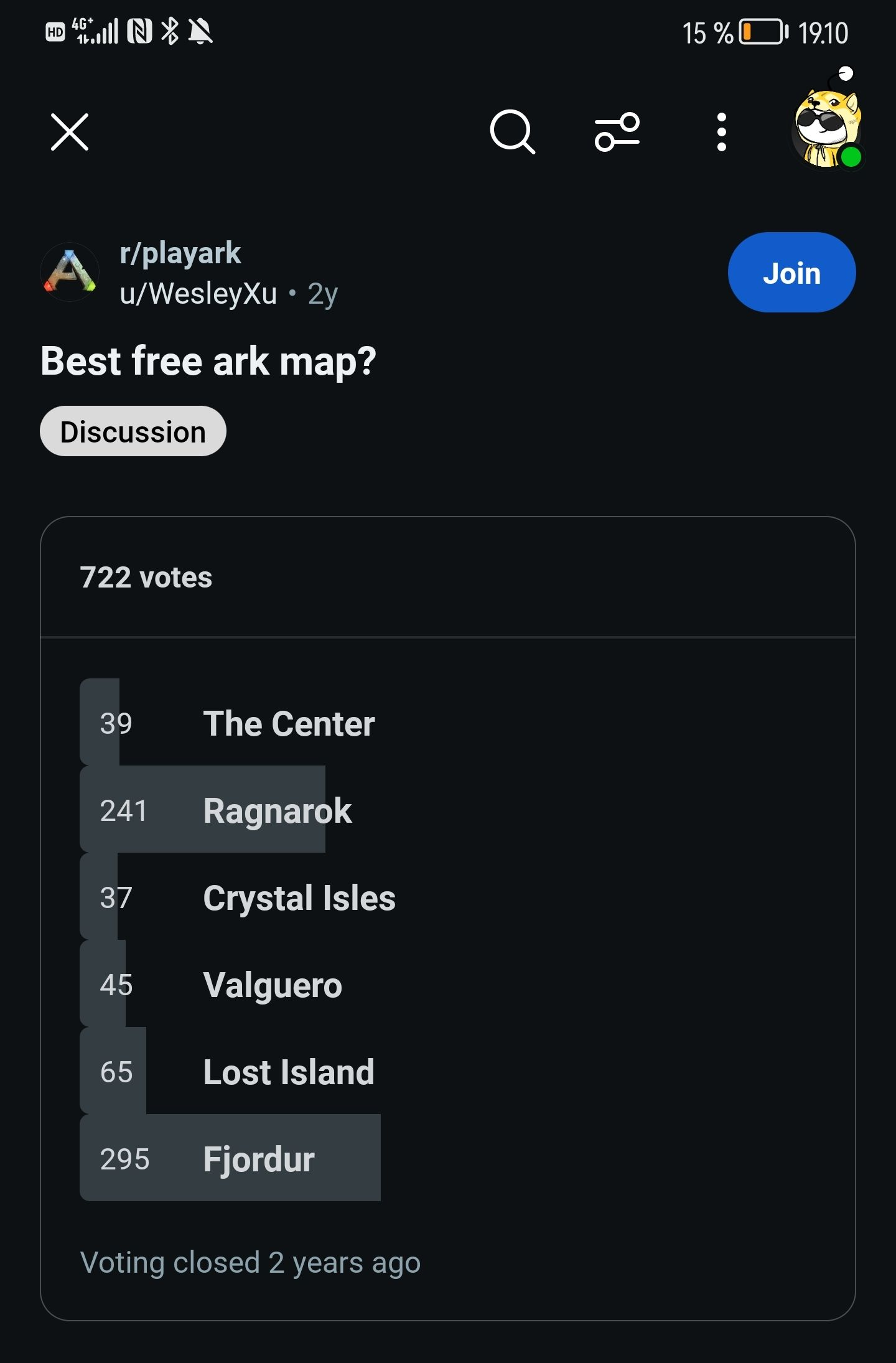
Let’s say I don’t want to play on the default map (which arguably most players don’t, based on this totally trustworthy and not at all a random reddit post):
Let’s play a game called “find the documentation.”
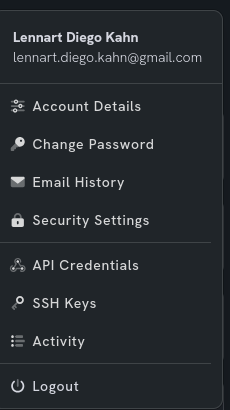
Is it in the account page? No.
Is it in the side menu where I find other game-related things? No.
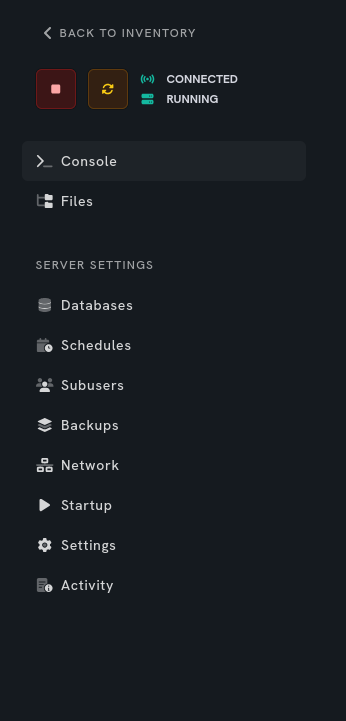
Maybe it’s in the settings page? No.
Maybe I need to go to the home page? Almost. It’s actually in the Learn dropdown menu.